
Why Your Office Setup Matters More Than You Think
Gaming Office Chairs
Let’s face it – we spend a staggering amount of our lives at our desks. The average office worker sits for 9.3 hours daily, which adds up to nearly 70% of your waking hours during the workweek. Your chair and desk aren’t just furniture; they’re tools that directly impact your health, comfort, and productivity. Whether you’re working from home or in a traditional office, investing in ergonomic furniture isn’t just a luxury – it’s a necessity for your long-term wellbeing.
-
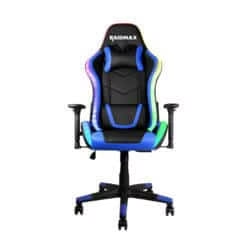
24-7 Gaming Chair Raidmax Gaming Chair
R7.999,00 Add to basket -
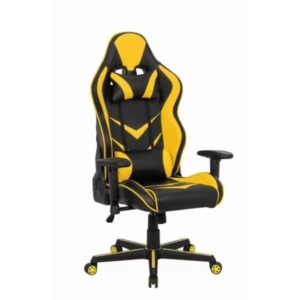
Bumblebee Gaming Chair – Perfect for Long Gaming Sessions
R3.999,00 Add to basket -
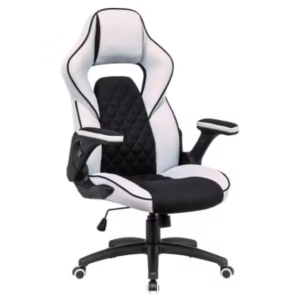
Comfortable & Stylish Forza Gaming Chair – Perfect for Gamers!
R3.299,00 Add to basket -
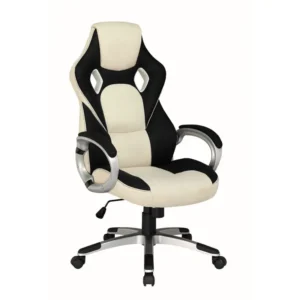
Faux Gaming Chair
R2.999,00 Add to basket -
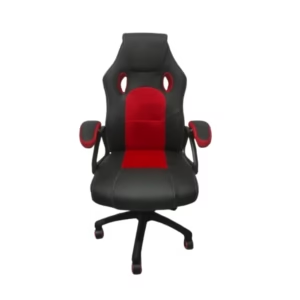
Frost Gaming Chair Red, Blue & Black
Price range: R2.899,00 through R2.999,00 Select options This product has multiple variants. The options may be chosen on the product page -
Promo 7%
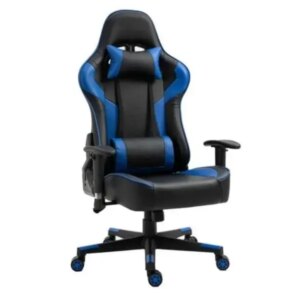
Gaming Chair 24/7 Max-Pro 180 KG Blue
Original price was: R6.789,00.R6.299,00Current price is: R6.299,00. Select options This product has multiple variants. The options may be chosen on the product page -

Gaming Chair Black Gaming Chair
R6.890,00 Select options This product has multiple variants. The options may be chosen on the product page -
Promo 38%

Gaming Chair Phantom Black
Original price was: R3.999,00.R2.493,00Current price is: R2.493,00. Add to basket -
Promo 38%

Gaming Chair Phantom Green
Original price was: R3.999,00.R2.493,00Current price is: R2.493,00. Add to basket -
Promo 38%

Gaming Chair Phantom Pink
Original price was: R3.999,00.R2.493,00Current price is: R2.493,00. Add to basket -
Promo 25%

Gaming Chair Phantom Red
Original price was: R3.999,00.R2.999,00Current price is: R2.999,00. Add to basket -
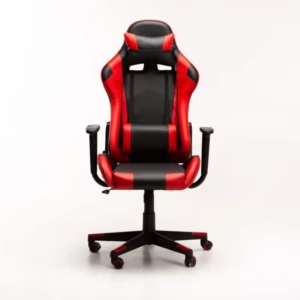
Innovative Computer Gaming Chair Red
R4.736,25 Select options This product has multiple variants. The options may be chosen on the product page -
Monaco Gaming Chair
R6.890,00 Add to basket -
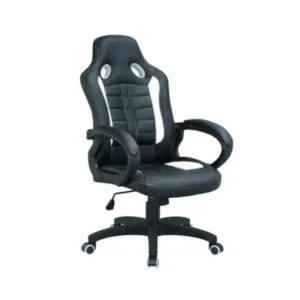
Olixis Gaming Chair
R2.999,00 Add to basket -
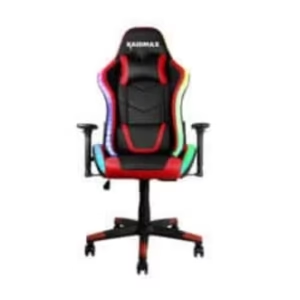
Raidmax Gaming Chair DK925 ARGB Red
R6.789,00 Add to basket -

Redragon Assassin Gaming Chair
R6.999,00 Add to basket -

Redragon Coeus Gaming Chair
R6.980,00 Add to basket -
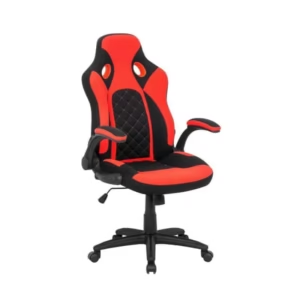
Rocket Gaming Chair – Perfect for Gamers Comfortable & Stylish
R4.119,50 Add to basket -
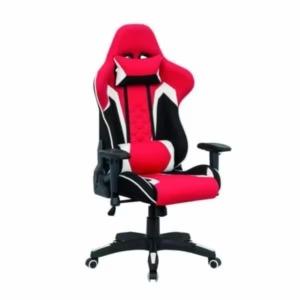
Scarlet Gaming Chair: Comfort & Style With or Without Footrest
Price range: R3.999,00 through R6.678,75 Select options This product has multiple variants. The options may be chosen on the product page -
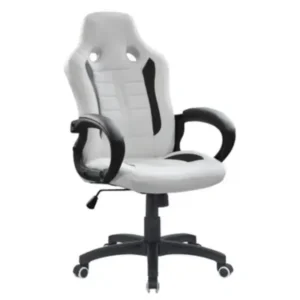
Sunaon Gaming Chair – White
R2.999,00 Add to basket -

Super Play Gaming Chair| 24/7 Play Chair
R4.999,00 Select options This product has multiple variants. The options may be chosen on the product page -

Super Play Gaming Chair| 24/7 Play Chair Blue
R7.399,00 Select options This product has multiple variants. The options may be chosen on the product page -
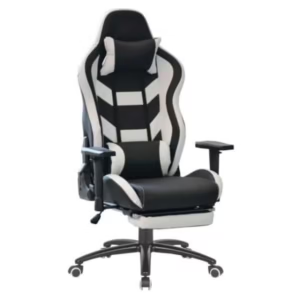
Venom Gaming Chair: Comfort & Style With or Without Footrest
R3.999,00 Select options This product has multiple variants. The options may be chosen on the product page

In this comprehensive guide, we’ll explore how the right desk and chair combination can transform your work experience, prevent chronic health issues, and boost your efficiency. I’ll share expert recommendations, break down the science behind ergonomics, and help you make informed decisions for your unique needs.

The Science of Ergonomics: Understanding Your Body’s Needs
Ergonomics isn’t just a buzzword – it’s the science of designing products to maximize human efficiency and comfort. When it comes to your workspace, proper ergonomics prevents musculoskeletal disorders (MSDs) that can develop from poor posture and repetitive movements.
According to research from the Ergonomics Center at NC State University, proper ergonomic setups can reduce workplace injuries by up to 59%. The right furniture supports your body’s natural alignment, reducing strain on your spine, shoulders, and wrists.
Key Ergonomic Principles for Your Office Setup:
- Neutral Posture: Your body should maintain its natural curves when seated
- Minimal Reach: Frequently used items should be within easy reach
- Height Adjustability: Furniture should adapt to your specific body dimensions
- Support: Proper lumbar support preserves your spine’s natural curve
- Movement: Your setup should allow for position changes throughout the day
Choosing the Right Office Chair: Your Foundation for Comfort
Your chair is arguably the most critical component of your workspace. A study published in the Journal of Physical Therapy Science found that ergonomic chairs significantly reduced lower back pain among office workers after just four weeks of use.
Essential Features to Look for in an Ergonomic Office Chair:
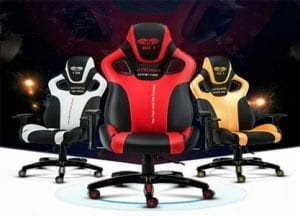
1. Adjustable Seat Height
Your feet should rest flat on the floor with your knees at a 90-degree angle. Most quality chairs offer pneumatic height adjustment, allowing you to find your perfect position.
2. Lumbar Support
Look for adjustable lumbar support that fills the natural curve in your lower back. This feature is non-negotiable – proper lumbar support prevents slouching and reduces pressure on your spine.
3. Seat Depth and Width
The seat should be wide enough to comfortably accommodate your hips and thighs. The depth should allow you to sit with your back against the backrest while leaving 2-4 inches between the seat edge and the backs of your knees.
4. Backrest and Recline Function
A backrest should support the natural curve of your spine. Many ergonomic chairs offer adjustable backrests and recline functions, allowing you to change positions throughout the day.
5. Armrests
Properly positioned armrests reduce strain on your shoulders and neck. Look for 4D armrests that adjust in height, width, depth, and angle for personalized comfort.
6. Swivel and Mobility
Easy movement reduces strain from reaching and twisting. A five-point base with casters ensures stability while allowing smooth movement.
7. Material and Padding
Breathable fabrics prevent heat buildup during long working sessions. High-density foam maintains support over time, unlike cheaper chairs that compress within months.
Budget Considerations: Investment vs. Long-Term Cost
Premium ergonomic chairs often range from R3000 to R2,500, which might seem steep initially. However, data from the American Academy of Orthopedic Surgeons suggests that investing in quality seating can save thousands in potential medical costs related to back pain and posture issues.
A quality chair should last 7-10 years, making the annual cost quite reasonable when compared to potential healthcare expenses or productivity losses from discomfort.
Desks: Finding the Perfect Height and Configuration
Your desk works in tandem with your chair to create an optimal working position. The right desk height ensures your arms rest comfortably at your sides with your elbows bent at approximately 90 degrees when typing.
Types of Desks to Consider:
1. Standard Fixed-Height Desks
These traditional desks typically stand between 28-30 inches tall. They’re generally more affordable but don’t offer customization for different users or tasks.
2. Height-Adjustable Desks
These desks adapt to your specific height requirements and allow for position changes throughout the day. They come in two main varieties:
- Manually Adjustable: More affordable but require physical effort to adjust
- Electric Height-Adjustable: More expensive but allow for effortless transitions between sitting and standing
3. Standing Desks
Research from the Mayo Clinic shows that alternating between sitting and standing can reduce back pain and improve energy levels. Standing desks come in various forms:
- Fixed-height standing desks: Dedicated to standing work
- Sit-stand converters: Add-ons that transform standard desks into standing workstations
- Full electric sit-stand desks: Allow smooth transitions between positions
Desk Size and Configuration
Consider your workflow when selecting desk dimensions:

- Width: Typically ranges from 48-72 inches; should accommodate your monitor(s), keyboard, and workspace
- Depth: Usually 24-36 inches; deeper desks allow for proper monitor placement (arm’s length away)
- Storage: Consider built-in drawers or under-desk storage solutions
-

A Frame Height Adjustable Straight Desk Frame
Read more -
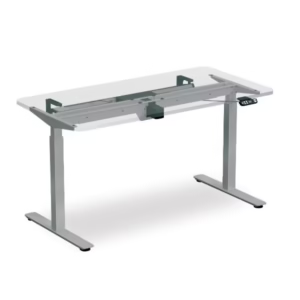
Electric Height Adjustable Table
R14.500,00 Select options This product has multiple variants. The options may be chosen on the product page -
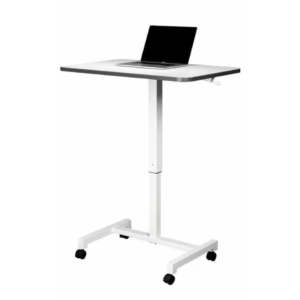
Height Adjustable Lift Desk Frame
R4.690,00 Add to basket -
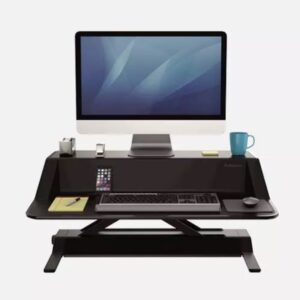
Height Adjustable Lotus Monitor Stand Lotus
R9.999,00 Add to basket -

Standing High Rig Setting Table
Read more -
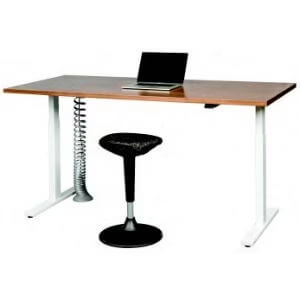
Take a Stand – Height Adjustable Standing Desk
R16.500,00 Add to basket

Creating the Perfect Ergonomic Workstation: Beyond Just Furniture
While your desk and chair form the foundation of your workspace, a truly ergonomic setup requires attention to several additional components:
Monitor Positioning
Eye strain and neck pain often result from improper monitor placement. Position your screen:
- At arm’s length (20-30 inches) from your face
- With the top of the screen at or slightly below eye level
- Directly in front of you to avoid neck twisting
Consider a monitor arm or riser for perfect positioning regardless of your desk height.
Keyboard and Mouse Setup
Proper positioning of input devices prevents wrist strain and reduces risk of carpal tunnel syndrome:
- Position your keyboard so your elbows maintain a 90-degree angle
- Keep your wrists straight while typing
- Consider ergonomic keyboards that maintain natural wrist position
- Use a mouse that fits your hand size comfortably
Lighting Considerations
Poor lighting contributes to eye strain and headaches. Optimize your workspace with:
- Natural light when possible (position desk perpendicular to windows)
- Task lighting for detail work
- Indirect ambient lighting to reduce screen glare
- Blue light filters for computer screens
Special Considerations for Home Offices
With remote work becoming increasingly common, creating an ergonomic home office deserves special attention:
Limited Space Solutions
Not everyone has a dedicated office room. For smaller spaces:
- Consider wall-mounted desks that fold away when not in use
- Look for compact ergonomic chairs that don’t overwhelm small spaces
- Use vertical space with shelving above your desk
- Invest in multipurpose furniture for flexibility
Dual-Purpose Spaces
When your office doubles as another room:
- Choose furniture that complements your home décor
- Use room dividers or screens to create separation
- Select furniture that can be easily moved or converted
- Implement storage solutions that keep work items organized and out of sight
Maintaining Your Investment: Care Tips for Longevity
Quality office furniture represents a significant investment. Protect it with proper maintenance:
Chair Maintenance
- Regularly tighten all bolts and screws
- Clean fabric upholstery with appropriate cleaners
- Lubricate moving parts annually
- Follow weight capacity guidelines
Desk Care
- Clean surfaces with appropriate products for the material
- Check and tighten connections regularly
- Keep electronics and liquids organized to prevent damage
- Use protective mats under rolling chairs
Making the Transition: Adjusting to Your New Ergonomic Setup
When you upgrade to ergonomic furniture, your body needs time to adapt:
- Gradual Adjustment: Ease into standing work with 15-30 minute intervals
- Proper Positioning: Follow setup guidelines precisely
- Movement Breaks: Even with perfect furniture, take regular movement breaks
- Posture Awareness: Practice mindfulness about your sitting position
The Future of Ergonomic Workspaces: Trends to Watch
The workplace continues to evolve, and several trends are shaping the future of ergonomic furniture:
Smart Furniture
Desks and chairs that track your posture and movement patterns, providing real-time feedback through connected apps. Some advanced models even remind you to stand or adjust your position.
Sustainable Materials
Eco-friendly options made from recycled or sustainable materials without compromising on ergonomic design. Herman Miller, a leader in ergonomic furniture, has committed to 50% recycled content in all products.
Modular Systems
Adaptable furniture systems that grow and change with your needs, featuring components that can be reconfigured for different tasks or environments.
Conclusion: Making the Right Investment for Your Health and Productivity
Your workspace isn’t just where you work—it’s a critical environment that shapes your physical health, mental wellbeing, and professional effectiveness. Investing in quality ergonomic furniture pays dividends through:
- Reduced pain and discomfort
- Lower risk of chronic conditions
- Increased energy and focus
- Improved productivity and job satisfaction
- Potential long-term healthcare savings
Remember that the most expensive option isn’t always the best for your specific needs. Focus on finding furniture that properly supports your unique body dimensions and work style.
By approaching your office setup with the same care you’d give to other health investments, you’re making a commitment to your current comfort and future wellbeing. Your body will thank you for years to come.